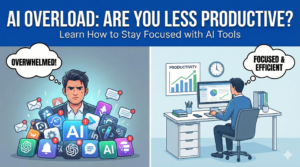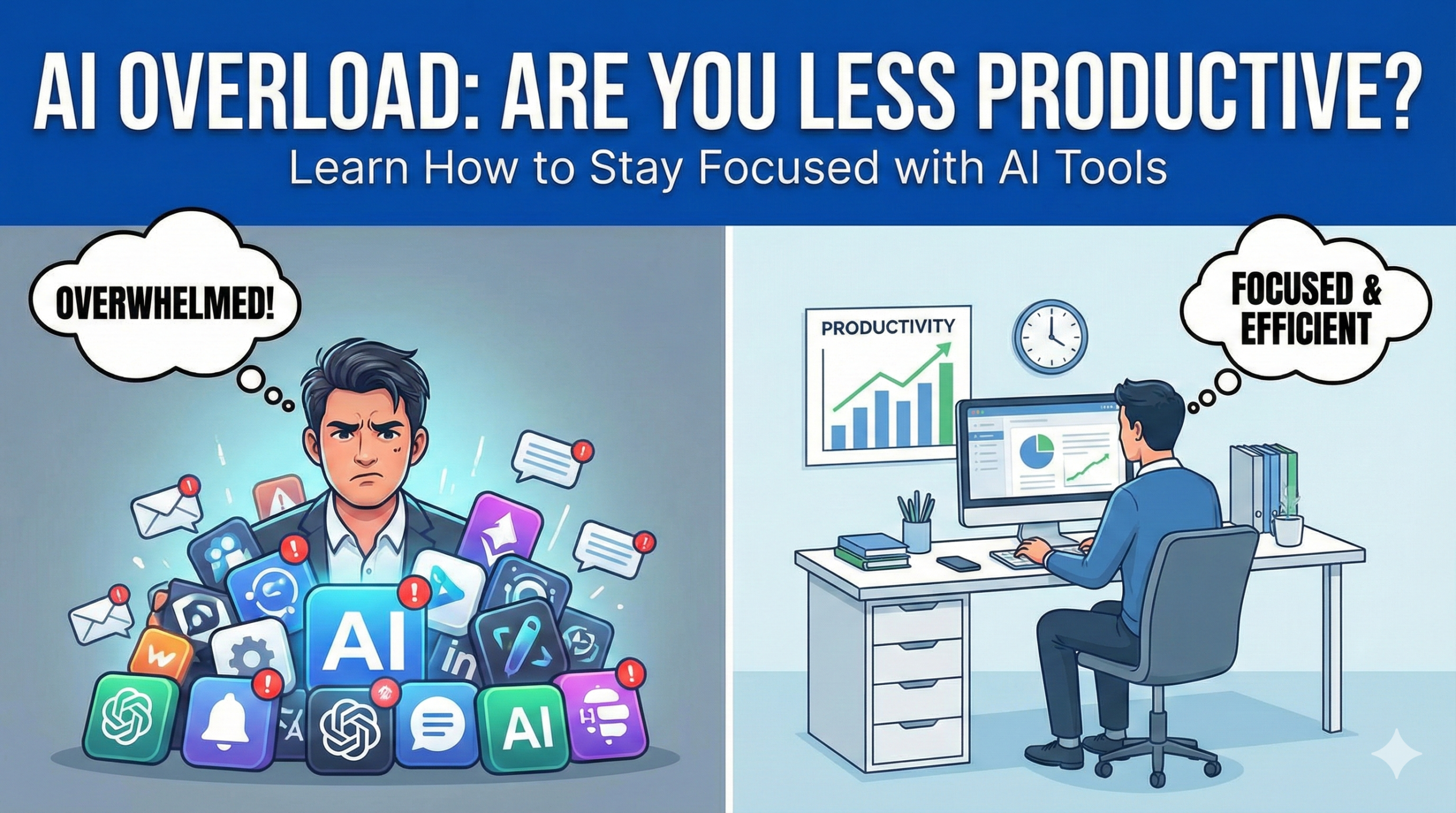
Artificial intelligence is supposed to save time. That’s the promise behind every AI-powered app, assistant, and automation feature. Yet a growing number of professionals quietly report the opposite experience. Despite using more AI tools than ever, their output feels fragmented, their focus weaker, and their workdays longer.
This is not a contradiction. It’s a side effect of how AI is currently being used.
AI can increase productivity, but only under specific conditions. When used incorrectly, it creates hidden inefficiencies that don’t show up in time-tracking apps or dashboards.
The Productivity Illusion Created by AI Tools
AI tools often create the feeling of speed without delivering meaningful progress.
Fast responses, shallow outcomes
Generating content, summaries, or ideas instantly feels productive. But speed does not equal depth. Many users find themselves revising, correcting, or rethinking AI-generated outputs, sometimes spending more time than if they had started manually.
Tool hopping fatigue
Instead of one focused workflow, users bounce between multiple AI tools: writing assistants, research bots, image generators, planners, and automation scripts. Each switch adds cognitive overhead, even if the tools themselves are efficient.
Artificial momentum
AI makes it easy to “do something” constantly. This creates a sense of progress without ensuring that the work actually moves goals forward.
Productivity feels high, but impact remains low.
Why Over-Automation Reduces Cognitive Engagement
One of the biggest risks of AI-driven productivity is disengagement.
When AI thinks for you
If AI generates ideas, structures tasks, and suggests decisions, the human brain switches from active thinking to passive evaluation. Over time, this reduces creative stamina and problem-solving depth.
Shallow learning loops
Repeated AI assistance short-circuits the struggle phase of learning. Without effort, skills plateau. Users may complete tasks faster but understand less.
Reduced ownership
When outputs are AI-assisted, people often feel less emotionally invested in the work. This can lower motivation, even if efficiency increases.
Productivity is not just about output volume. It’s about sustained mental engagement.
Decision Paralysis From Too Many AI Options
Ironically, AI increases choice overload.
Multiple answers, no clarity
AI tools rarely give one solution. They give many plausible ones. Choosing between them can take longer than creating a solution independently.
Customization overload
Prompts, settings, plugins, models, versions, and updates demand constant micro-decisions. These decisions accumulate into fatigue.
Fear of missing the “better” output
Users often rerun prompts repeatedly, hoping for a superior result. This loop wastes time and erodes confidence.
Instead of accelerating decisions, AI sometimes delays them.
The Hidden Cost of Context Switching
AI tools fragment attention more than traditional software.
Prompt-based workflows
Every AI interaction requires context reconstruction. You must explain the task, constraints, and intent repeatedly. This breaks flow.
Interrupt-driven usage
AI tools are often used reactively rather than proactively. Users jump to them mid-task, disrupting concentration.
Loss of deep work rhythm
When AI is always available, the temptation to ask rather than think becomes constant. Deep focus sessions shorten.
The productivity loss here is subtle but cumulative.
When AI Metrics Lie About Efficiency
Many users measure productivity using surface-level indicators.
Time saved metrics
Saving minutes on individual tasks does not guarantee overall efficiency if coordination, review, and correction increase.
Output volume bias
Producing more content or tasks does not equal producing better results.
Invisible rework
Fixing AI-generated errors often goes uncounted, masking true time costs.
True productivity must account for quality, coherence, and long-term impact.
Who Is Most at Risk of AI-Induced Productivity Loss
Not everyone is affected equally.
Knowledge workers
Writers, analysts, marketers, and researchers are more vulnerable because AI overlaps heavily with their cognitive tasks.
Early adopters
People who aggressively adopt multiple tools often over-integrate without clear strategy.
Solo professionals
Without peer review or process checks, inefficiencies go unnoticed longer.
Ironically, the most tech-savvy users may experience the biggest productivity decline.
How to Use AI Without Losing Productivity
The solution is not less AI, but better boundaries.
Define AI’s role clearly
Use AI for specific stages: ideation, summarization, or formatting. Avoid letting it control the entire workflow.
Limit tool count
Choose one or two AI tools that integrate well with existing systems. More tools do not equal more productivity.
Delay AI usage
Start tasks manually for a few minutes before involving AI. This preserves cognitive engagement and clarity.
Measure outcomes, not speed
Evaluate whether AI improves result quality, not just task completion time.
AI should support thinking, not replace it.
The Long-Term Productivity Risk Nobody Talks About
The biggest danger is skill atrophy.
When professionals rely too heavily on AI:
- Writing clarity declines
- Analytical depth weakens
- Problem decomposition skills fade
This creates dependency rather than leverage.
In the long run, productivity depends on human judgment, not algorithmic convenience.
What High-Performing Professionals Do Differently
Top performers treat AI as an assistant, not a shortcut.
They:
- Use AI after thinking, not before
- Edit aggressively instead of accepting outputs
- Customize workflows intentionally
- Regularly audit tool effectiveness
AI becomes a multiplier, not a crutch.
Conclusion
AI tools are not inherently productivity boosters. They amplify whatever habits already exist. For focused professionals, AI accelerates results. For distracted workflows, it magnifies chaos.
True productivity with AI requires discipline, intentional design, and constant awareness. The most valuable skill in the AI era is not prompt writing. It is knowing when not to ask AI at all.
- How to Detect AI-Generated Images and Videos: A Practical Guide for Everyday Users
- How AI Server Demand Is Silently Affecting Consumer PC Component Prices
- Why AI Tools Are Making Some People Less Productive (And How to Avoid It)
- How to Check Phone Health Before Buying Refurbished or Exchanging a Device
- Google Pixel 10 Pro Deal on Amazon: A Real-World Review After the Price Drop