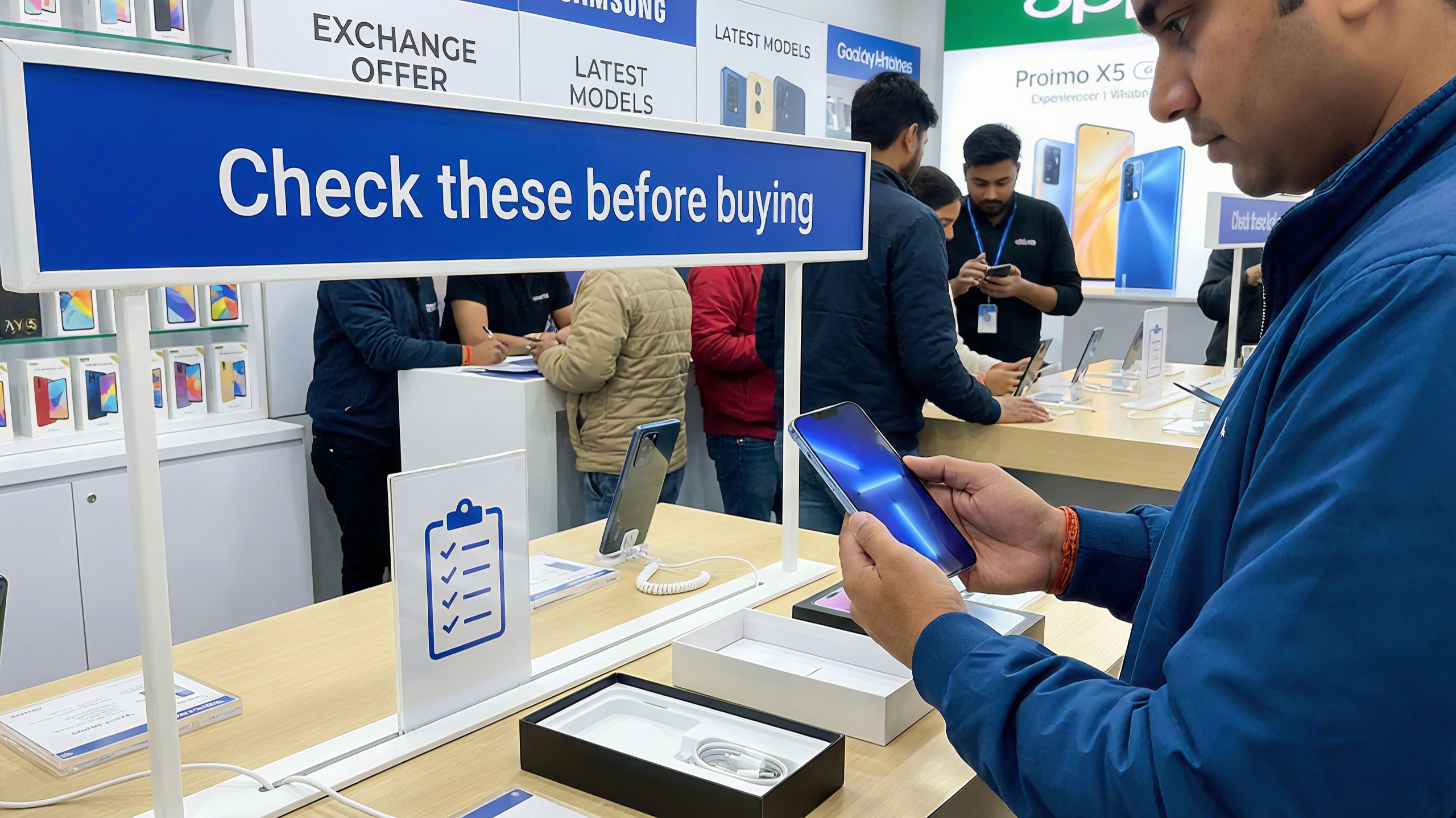
Learn how to check phone health before buying refurbished or exchanging a device. A practical checklist covering battery, performance, display, and grading.
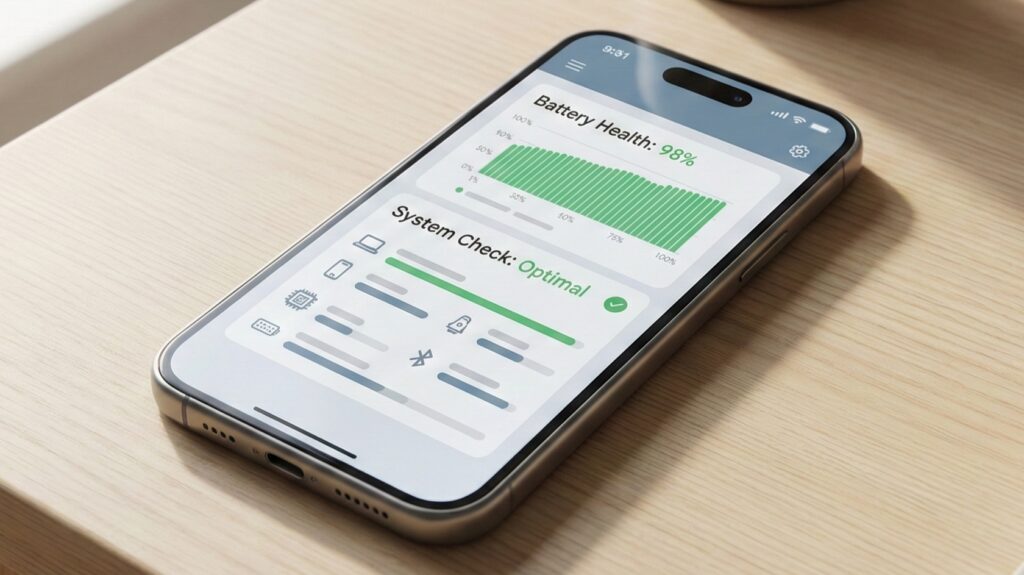
Buying a refurbished phone or exchanging your old one can save a good amount of money, but only if the device is actually in good condition. On paper, everything may look fine. In reality, many issues only show up when you know where to look. Phone health is not just about appearance. It includes performance stability, battery reliability, hardware condition, and software integrity.
Spending a little time checking these things can help you avoid overpaying or ending up with a device that causes problems later.
Table of Contents
Begin With Real-World Performance
Before diving into technical checks, use the phone like a regular user would. Open multiple apps, switch between them, scroll through menus, and watch for delays. A healthy phone should feel smooth during basic tasks.
Restarting the device is also important. Slow boot times, sudden heating, or lag right after startup can indicate internal stress or aging hardware.
Quick observation tip
Use the phone continuously for five minutes without closing apps. Performance drops during short usage usually signal deeper issues.
Battery Health Tells the Real Story
Battery condition is one of the most critical factors, especially for refurbished devices. A weak battery can make even a powerful phone feel unreliable.
Check how fast the battery percentage drops during light usage. Watch for sudden drops or heating while charging. If battery health information is available in settings, review it carefully.
Extra check most buyers ignore
Record a short video and observe battery behavior. Rapid drain during recording often means the battery is near the end of its life.
Charging Port and Charging Speed
Plug in the charger and gently move the cable. The connection should feel firm. Loose charging ports are common in heavily used phones and can be expensive to fix.
Also check whether the phone charges at the expected speed. Slow charging on a fast-charging device can indicate port damage, battery wear, or internal power issues.
Screen Quality Is More Than Just Cracks
A screen may look fine at first glance, but issues like burn-in, uneven brightness, or dead touch zones often go unnoticed.
Open plain white, gray, and black screens and inspect closely. Test touch response across the entire display, especially near edges and corners.
Simple test
Type continuously on the keyboard and drag icons across the screen. Missed inputs usually indicate touch problems.
Camera and Audio Checks Matter
Open the camera app and test focus by switching between near and distant objects. Slow or inaccurate focusing is common in older or refurbished units.
Record a short video and listen carefully to the audio. Then test the speaker at higher volume. Distortion or crackling is often flagged during inspections.
Sensors and Connectivity Should Work Seamlessly
Sensors are frequently checked during exchanges. Test auto-rotation, fingerprint or face unlock, vibration, proximity sensor during calls, GPS, and network stability.
Make a call and cover the top of the screen to confirm the display turns off properly. Open maps briefly to ensure GPS locks quickly.
Software Status and Storage Health
Ensure the phone runs official software without modifications. Devices with rooted systems, unlocked bootloaders, or unofficial ROMs are often rejected.
Check available storage space and ensure the system does not lag when opening files or apps. Nearly full storage can cause performance issues.
Practical tip
Update the phone to the latest stable version before completing an exchange or finalizing a purchase.
Physical Inspection Still Matters
Inspect the frame, corners, buttons, SIM tray, and camera module. Small dents or loose buttons may not seem serious but can reduce value during inspection.
Clean the device properly. A well-maintained phone always feels more trustworthy to buyers and inspectors.
Checking phone health before buying refurbished or exchanging a device is about protecting your money and expectations. A few careful checks can reveal whether a phone is truly a good deal or just looks like one.
When you know exactly what you are getting, you make smarter decisions and avoid regrets later.
Buyer-Specific FAQs
Q.1 Is refurbished better than used
Yes. Refurbished phones are tested, repaired if needed, and usually come with limited warranty.
Q.2 How much battery health is acceptable
Anything above 85% is generally safe for daily use.
Q.3 Should I avoid phones with replaced batteries
Not necessarily. A professionally replaced battery can be better than an original worn one.
Q.4 Do cosmetic scratches matter
For usage, no. For resale or exchange, yes.
Q.5 Can exchange platforms detect hidden issues
Yes. They check sensors, battery behavior, camera, and software integrity.
Q.6 Is it safe to buy refurbished online
Yes, if the seller provides clear grading, return policy, and warranty.
Read More:
Google Pixel 10 Pro Deal on Amazon: A Real-World Review After the Price Drop
iQOO Z9 Pro vs Realme P4X — Detailed Performance Comparison Review